
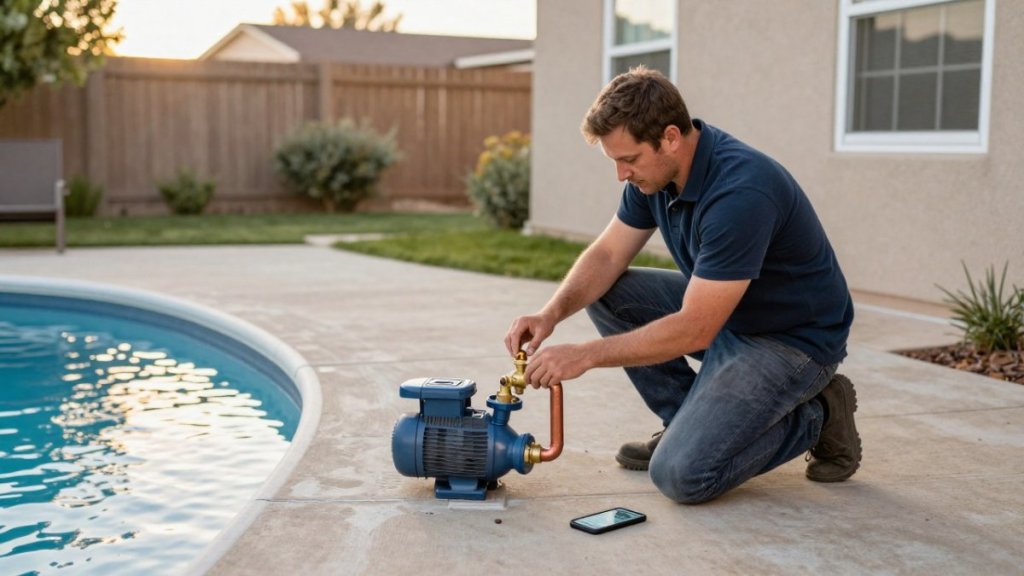
Last Updated: November 12, 2026
Quick Summary
Smart home integration for pool temperature control connects your heater, pump, and sensors to a single app or platform, so you can monitor water temperature, adjust setpoints, and schedule heating from anywhere. Automation rules decide when the pump runs or the heater engages, cutting wasted heating hours.
- Wired probe sensors using a 10k ohm thermistor are the most stable sensor option.
- Wireless sensor batteries often last 6 to 12 months and need a bridge or hub.
- Set a staleness timeout so automations treat old readings as unknown, not valid.
- Keep the heater’s high-limit, flow, and pressure switches in the circuit with automation on top.
- Most pool controllers use 2.4 GHz radios only; add a mesh node below about -70 dBm.
Table of Contents
- What Smart Home Integration for Pool Temperature Control Actually Changes
- Smart Pool Temperature Sensor Options and What They Measure
- WiFi Pool Control Systems: Controllers, Apps, and Compatibility
- Pool Heater Smart Home Integration Without Compromising Safety
- Solar Pool Heating Controls and Automation Rules That Save Energy
- Step-by-Step Setup Overview for Your First Integration
- Troubleshooting Sensor Accuracy, Connectivity, and Temperature Automation
- Get a Free Quote for Solar-Ready Pool Temperature Control
- Frequently Asked Questions
What Smart Home Integration for Pool Temperature Control Actually Changes
Smart home integration for pool temperature control connects your heater, pump, and sensors to a single app or platform, so you can monitor water temperature, adjust setpoints, and schedule heating from anywhere.
The practical shift is remote monitoring plus automated control. Your pool controller reports temperature data to a hub, and automation rules decide when the pump runs or the heater engages. That means fewer wasted heating hours and a pool that’s ready when you are.
Below, we’ll show you exactly how the pieces fit together, from sensor choice to platform compatibility, and where most setups quietly go wrong.
Smart Pool Temperature Sensor Options and What They Measure
A smart pool temperature sensor is a probe or wireless thermometer that reports water temperature to an app or controller.
Three common types and their trade-offs:
- Wired probe sensors installed in the plumbing or skimmer line. These use a thermistor (commonly 10k ohm at 77°F) and are the most stable option. The cable run needs planning, run it in conduit and keep it away from line-voltage wiring.
- Wireless floating thermometers that broadcast over Wi-Fi or Bluetooth. Easy to add, but battery life (often 6-12 months) and signal range matter. Bluetooth models generally require a bridge or hub to reach your automation platform; Wi-Fi models depend on 2.4 GHz coverage at the pool surface.
- Controller-integrated sensors built into a pool controller or heat pump. They feed the same system that runs the pump and heater, which makes them the easiest to use in interlocks and differential logic. Accuracy depends on the controller’s calibration routine.
Placement matters. A probe sitting in a sunbaked skimmer reads warmer than the pool body, and a sensor near a return jet reads cooler.
Calibration procedure. Compare the sensor reading against a handheld reference thermometer at a return jet after the pump has run for at least 15 minutes.
Measurement error you should expect. Even a calibrated thermistor drifts over time, and stratification in a large pool can create a 1-3°F difference between the surface and the deep end.
WiFi Pool Control Systems: Controllers, Apps, and Compatibility
WiFi pool control systems fall into three rough tiers, and the tier you pick determines how much home automation you get.
| Controller Type | Typical Setup | Best For | Trade-off |
|---|---|---|---|
| Manufacturer app controller | Single-brand app, cloud-based | Simple heater and pump scheduling | Limited third-party integration |
| Universal smart pool controller | Wired to existing equipment panel | Retrofits and mixed-brand equipment | Needs pro wiring |
| Full home automation hub | Integrates pool, lighting, and HVAC | Whole-home control and voice assistant use | Highest cost and complexity |
Equipment compatibility is the deciding factor. Check that your controller supports your pump’s control protocol and your heater’s remote terminals before buying. For a feature-by-feature checklist, see our guide to top solar pool heater features.
Voice assistant control works well for setpoint changes and status reporting. It’s less reliable for anything safety-critical, which brings us to the next section.
Pool Heater Smart Home Integration Without Compromising Safety
Pool heater smart home integration should never bypass the heater’s own safety limits. Keep the factory high-limit switch, flow switch, and pressure switch in the circuit, and let automation sit on top of them, not replace them.
A few rules we’d insist on:
- Set a maximum temperature cap in the automation platform so no schedule or voice command can push water past a safe setpoint.
- Interlock the heater with pump flow. The heater should only fire when the pump is running and flow is confirmed.
- Keep a manual override at the equipment pad for service and emergencies.
- Never automate a gas heater’s ignition sequence through a third-party hub. Control the call for heat, not the burner.
Watch out: a common mistake is wiring a smart relay straight to the heater’s call-for-heat terminals without a flow interlock. If the pump stops and the relay stays closed, you get a dry-fired heater and an expensive repair.
Solar Pool Heating Controls and Automation Rules That Save Energy
Solar pool heating controls save energy when the automation decides whether sun is worth collecting. The core rule is simple: run the pump through the collectors only when the panel temperature exceeds water temperature by a set margin.
Useful automation rules:
- Differential heating: circulate through panels only when the collector sensor reads warmer than the pool by a few degrees.
- Freeze protection: run water through panels when air temperature drops near freezing.
- Time windows: restrict heating to daylight hours, when solar gain is real.
- Spa mode: raise the setpoint and pump speed for a short, defined period.
For a deeper walkthrough of efficiency tactics, our guide on how to optimize solar pool heater efficiency covers pump speed and collector sizing.
Step-by-Step Setup Overview for Your First Integration
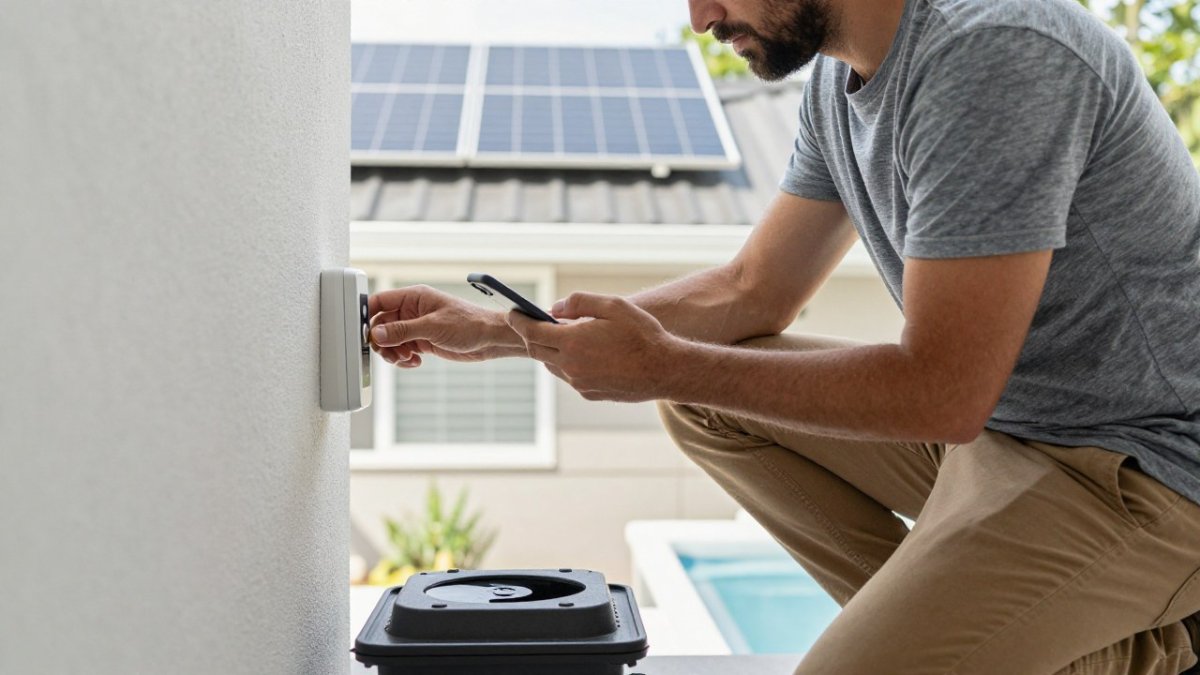
The harder part is configuring an automation that actually controls temperature safely, and that process differs by platform. Below is a platform-agnostic sequence with concrete examples for the three ecosystems most pool controllers support.
-
Map your equipment and protocols. List the pump, heater, valves, and any existing controller. Note the control method for each: a variable-speed pump may accept RS-485, a gas heater typically has a two-wire call-for-heat terminal, and a solar actuator uses a 24V signal. Write these down before you buy anything.
-
Confirm compatibility against the controller’s published I/O list. Match your equipment to the controller’s supported inputs and outputs. If your heater only has a millivolt call-for-heat terminal, you need a dry-contact relay, not a direct voltage output. If your pump is a variable-speed model, confirm the controller speaks its protocol rather than just toggling power.
-
Mount the controller and sensors. Place the water temperature sensor in a well-mixed location, downstream of the filter and away from the heater outlet and return jets. Mount the collector sensor on the panel return line, shielded from direct sun. Run sensor cable in conduit and keep it separate from line-voltage wiring to avoid electrical noise.
-
Wire the control circuits with factory safeties intact. Connect the pump and heater control per the manufacturer’s diagram. The heater’s high-limit, flow, and pressure switches stay in the circuit. The automation should close the call-for-heat contact only when the pump is proven running.
-
Connect to Wi-Fi on 2.4 GHz. Most pool controllers use 2.4 GHz radios only. At the equipment pad, signal often drops behind metal equipment and stucco. Check RSSI in the controller app; if it is weaker than about -70 dBm, add a mesh node or outdoor access point within line of sight.
-
Configure setpoints, schedules, and limits. Set a maximum water temperature cap, heating windows, and freeze protection. On a solar system, set the differential (collector warmer than pool by a few degrees) before enabling automatic circulation.
-
Build one automation per platform. The mechanics differ:
- Apple Home / HomeKit: Add the controller through its HomeKit bridge or a compatible hub. Create an automation with a temperature sensor trigger (for example, water below 78°F) and a scene that sets the heater setpoint. HomeKit does not expose arbitrary relay control, so heater safety interlocks must live in the pool controller, not in HomeKit.
- Google Home: Link the manufacturer’s cloud integration in the Google Home app. Temperature triggers are limited; most pool integrations expose on/off and setpoint rather than sensor-based routines. Use the pool controller’s own schedules for differential and freeze logic.
- Amazon Alexa: Enable the manufacturer skill, discover devices, and build Routines. Alexa Routines can trigger on a temperature sensor if the skill exposes one, but routines run in the cloud and depend on internet uptime.
- Local hubs (Hubitat, Home Assistant): These offer the most control. A typical Home Assistant setup uses the controller’s local API or MQTT broker, a template sensor for water temperature, and an automation that calls the heater service only when the pump state is “on” and flow is confirmed. This is where you can enforce interlocks in software as a second layer.
-
Test and calibrate. Compare the controller’s water temperature reading against a handheld thermometer at a return jet. Apply an offset in the controller if the difference exceeds about 1°F. Then test each automation manually: force the pump off and confirm the heater call-for-heat opens; trigger freeze protection and confirm the pump runs.
Expected result: the app shows live water temperature, the pump responds to your schedule, the heater fires only when flow is proven, and each platform automation triggers as intended.
Watch out: cloud-dependent platforms (Google Home, Alexa) will fail to run automations during an internet outage. Keep safety-critical logic, freeze protection, high-limit cutoff, flow interlock, in the pool controller itself, not in a cloud routine.
Troubleshooting Sensor Accuracy, Connectivity, and Temperature Automation
Start with the sensor when readings look wrong. A probe coated in scale or debris reads low; a probe in direct sun reads high.
Connectivity problems usually trace to signal, not software. Wi-Fi at the equipment pad is often weak because the pad sits far from the router and behind metal equipment.
When automation misbehaves, check the rule logic before the hardware. Our diagnostic guide to common causes of solar pool heater failure walks through sensor and control faults step by step.
For the bigger picture on seasonal strategies, the seasonal pool temperature control guide covers cooling, heating, and smart automation across the year.
Get a Free Quote for Solar-Ready Pool Temperature Control
Automation is only as good as the heating system underneath it. A solar thermal array paired with a smart controller can give you remote monitoring, automated schedules, and no operating cost for the heat itself.
Before you commit, run the numbers. Our step-by-step guide shows you how to calculate solar pool heater savings so you know what to expect on your energy bill.
If you’re tired of guessing whether your pool is warm enough, or you want to extend your season from March through November without watching a gas meter spin, we can help.
Frequently Asked Questions
Can I control my pool heater with a smart home system?
Yes, in most cases. Gas and heat pump heaters with a standard fireman’s switch or remote terminal can be wired to a smart relay or pool controller, while solar heating is controlled through valve actuators and a differential controller. The key is keeping safety limits in place: set a maximum water temperature, keep a physical shutoff, and never bypass the heater’s own high-limit switch. For solar pool heating controls, confirm the controller supports valve actuation and freeze protection before you buy.
Is there a wireless pool temperature sensor I can add to home automation?
Wireless sensors exist in two main forms: battery-powered floating thermometers that report over Wi-Fi or Bluetooth, and probe-style sensors wired to a controller that then publishes readings over Wi-Fi. Floating units are easy to place but need battery changes and can drift in accuracy. Probe sensors placed in the return line give steadier pool temperature data. Whichever you choose, check that it exposes readings to your platform through a local API, MQTT, or a supported cloud integration.
Can smart pool controls work with solar pool heating?
They can, but solar needs different logic than a gas heater. Solar pool heating controls compare panel temperature to pool temperature and divert water through the panels only when the sun can add heat. A smart controller or relay can trigger that diverter valve and report temperature data to your app, but the differential decision should stay with a dedicated solar controller. Dixie Pool Solar Heating & Misting uses Heliocol panels with professional integration.
What should I check before choosing a Wi-Fi pool control system?
Start with equipment compatibility: which pump, heater, and valve actuators you own, and whether the controller supports those brands and protocols. Then check the control method (local Wi-Fi, cloud, MQTT, or RS-485), how it behaves when the internet drops, and whether it offers scheduling, alerts, and temperature setpoint limits. Finally, factor installation: some systems need a licensed electrician, and professional installation pricing varies by panel count and wiring runs, so request a quote.


Leave a Reply